
Android Auto is a handy feature for long drives, but using it wirelessly has some drawbacks compared to a simple USB cable connection. Several real-world issues mean a wired connection often provides a better experience, especially during extended trips.
Wireless Android Auto Drains Battery and Causes Heat
Wireless Android Auto uses both Wi-Fi Direct and Bluetooth at the same time to stream video and audio to the car’s head unit. This constant data flow makes the phone work harder than when playing music over Bluetooth alone. As a result, the phone tends to get warm during use, especially on long drives or hot days.
In some cases, the phone can become so hot that it slows down to avoid damage, which in turn causes the battery to drain faster. A USB cable avoids these problems by charging the phone while Android Auto is running. This means the phone’s battery remains full or close to it, making it ready for use after the drive ends.

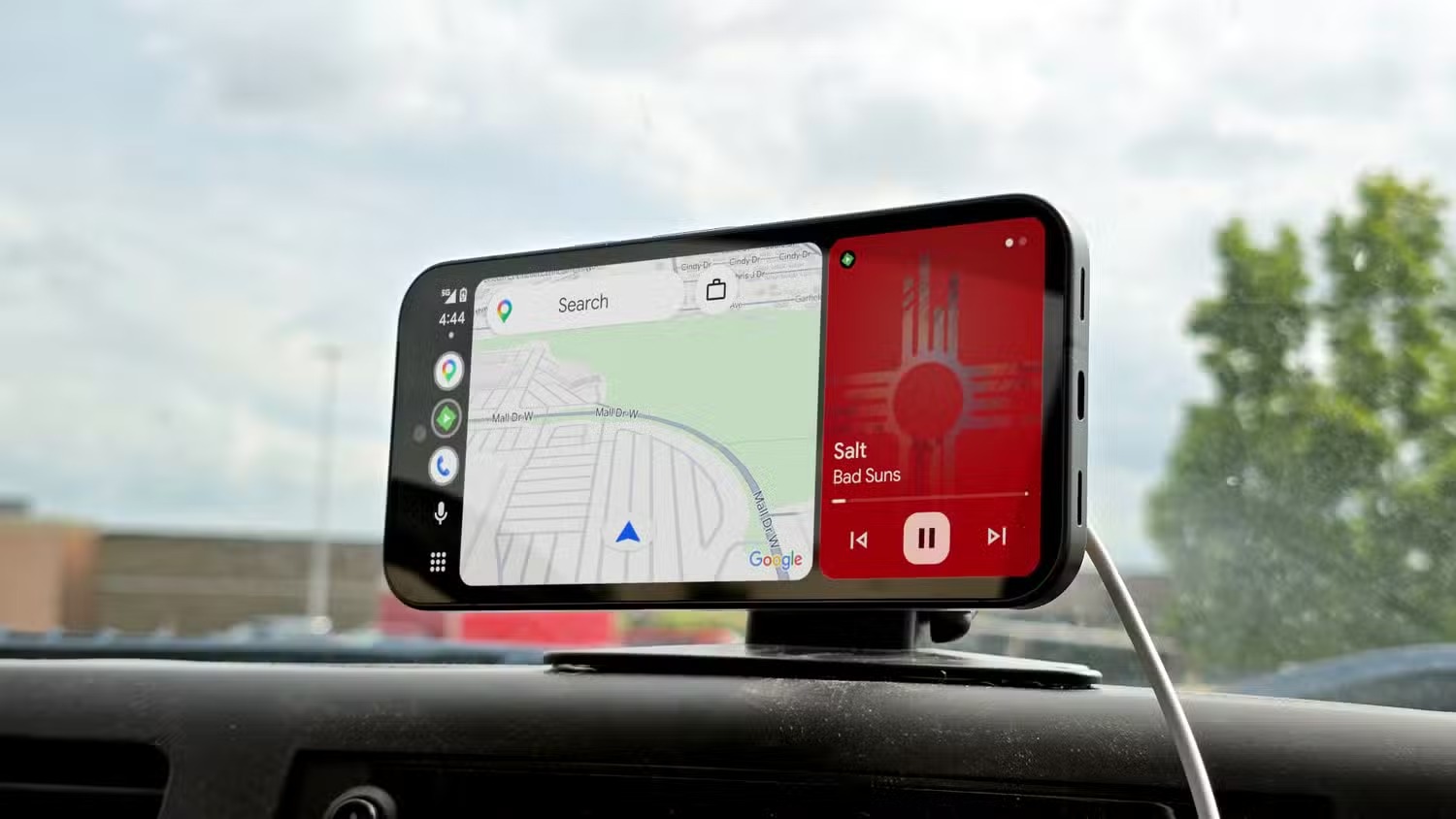
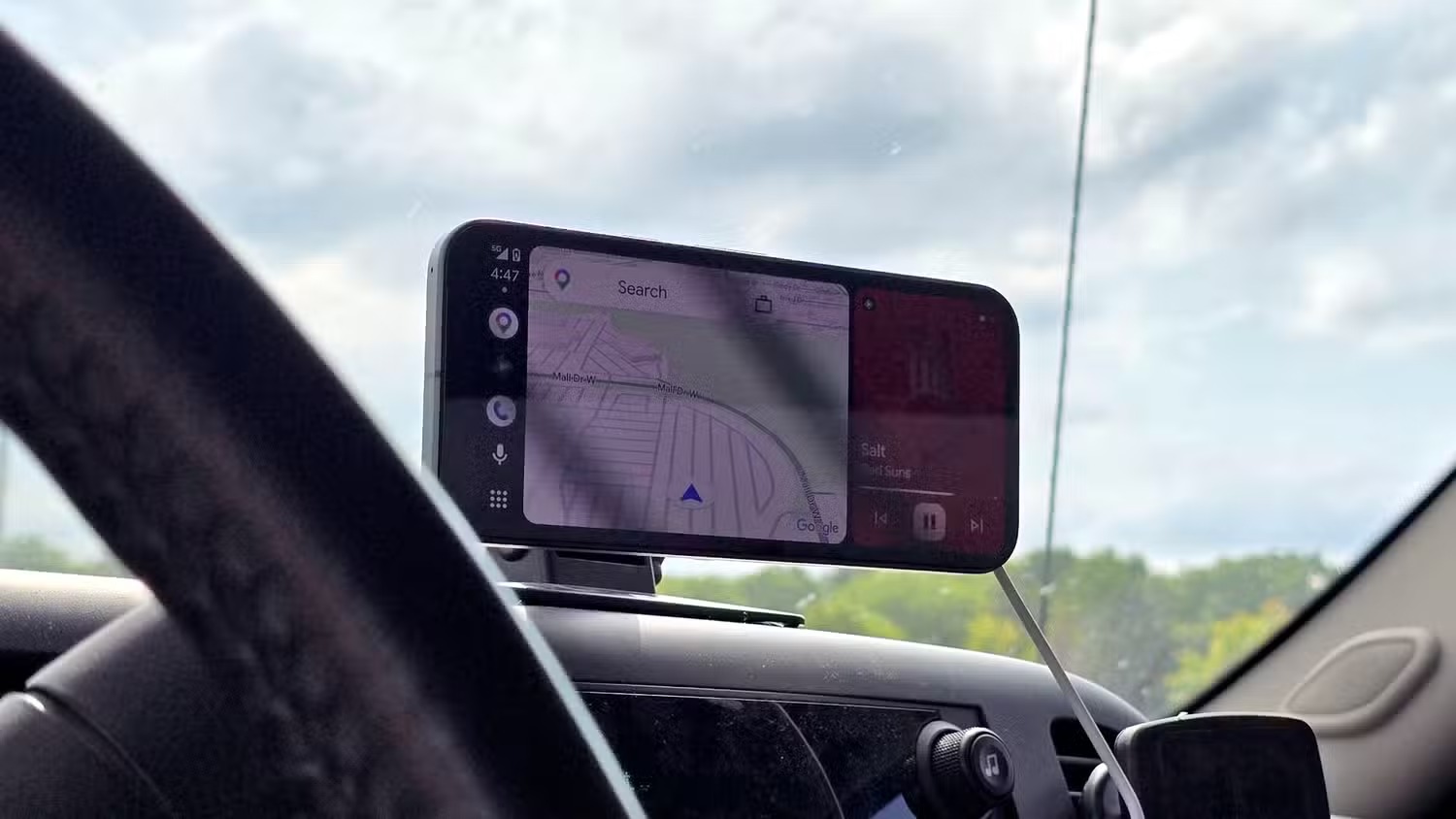
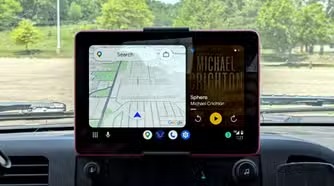
Better Audio Quality with Wired Connections
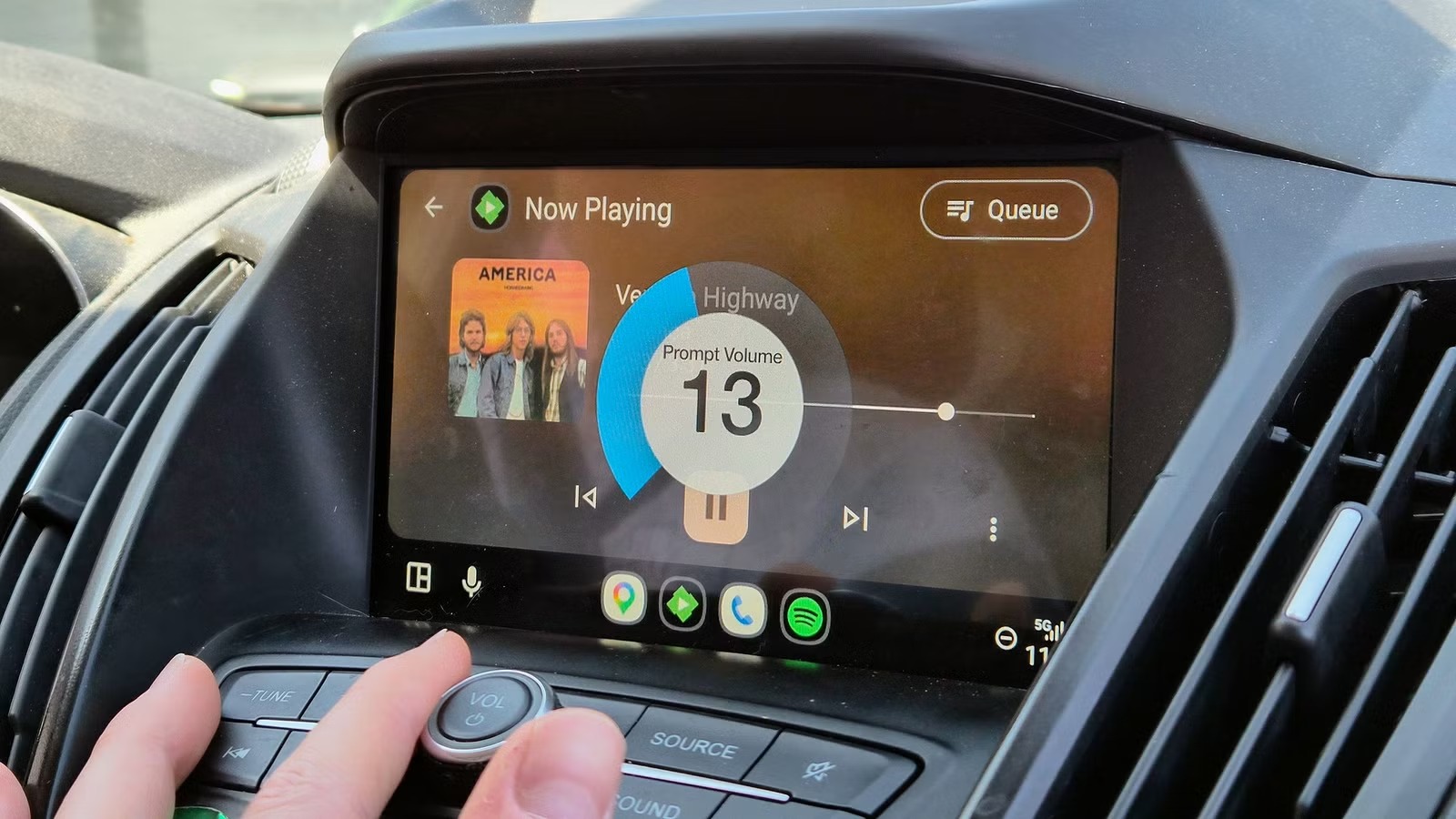
Playing audio over wireless Android Auto relies on Bluetooth or Wi-Fi Direct, which compresses the sound to keep the connection stable. This compression can affect music quality, particularly on songs with a wide dynamic range. Wired connections, on the other hand, transmit audio digitally without compression, preserving sound quality.
Wireless signals inside a car also face plenty of interference from the vehicle’s electronics, other phones, and nearby Wi-Fi networks. This can cause audio dropouts or stutters that disrupt calls or music playback. Using a USB cable eliminates these problems because the connection is direct and shielded from interference.
More Reliable and Easier to Troubleshoot
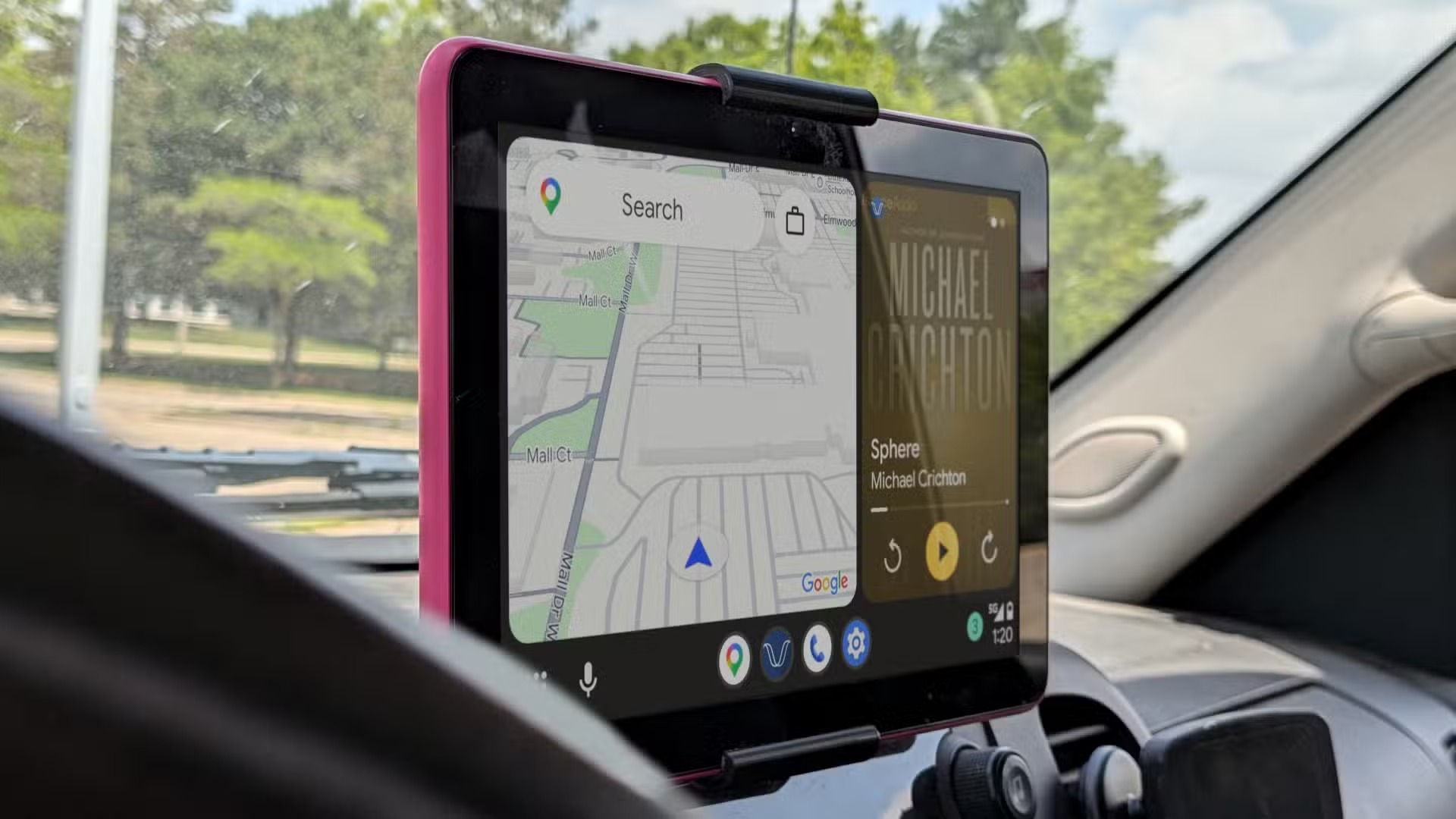
Wireless Android Auto can be unpredictable. Sometimes it connects instantly; other times it takes minutes or fails entirely, forcing the user to restart the phone or the car’s head unit. These inconsistent connections make wireless Android Auto less dependable overall.
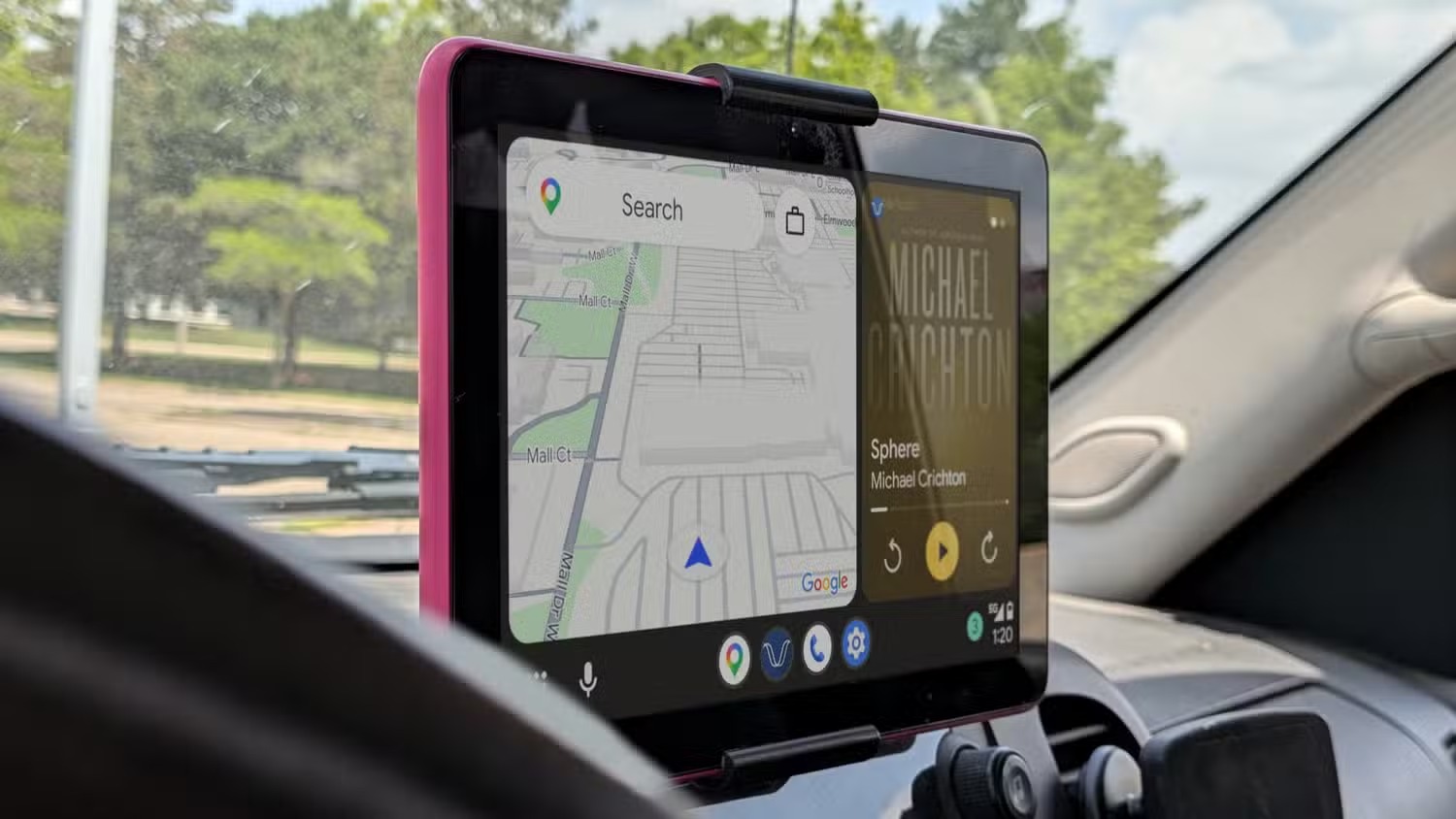
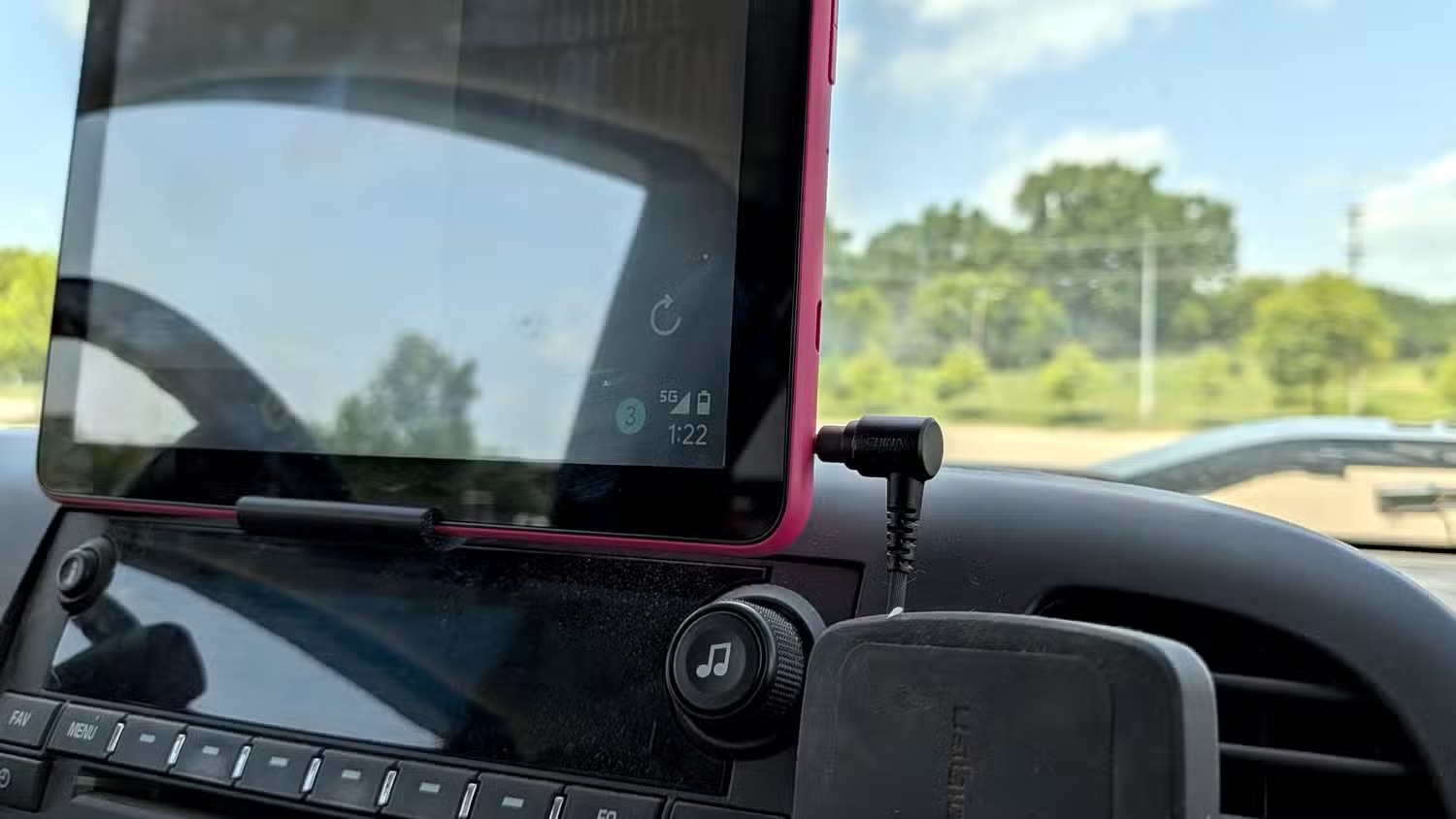
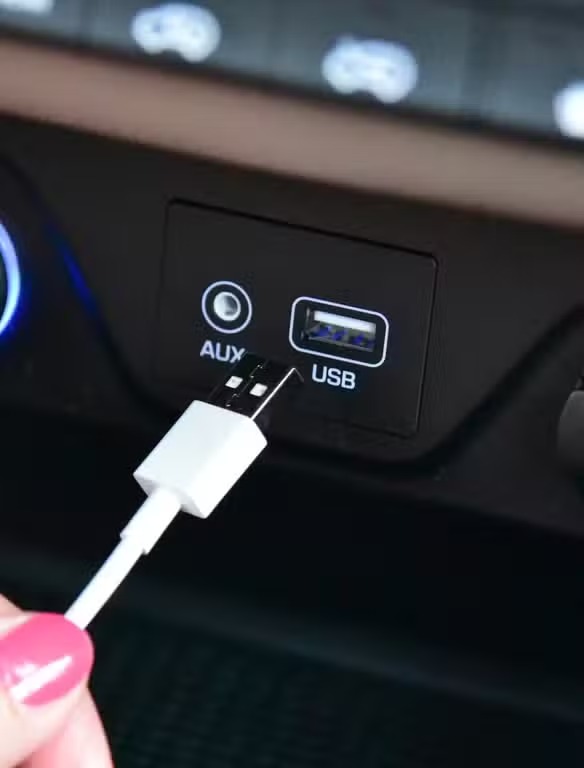
A wired connection is more straightforward — the phone and head unit are connected physically, so it either works or it doesn’t. If issues do come up, a faulty cable is easy to spot and replace. Troubleshooting wireless problems can be complicated, since the cause might range from software bugs to signal interference.




Summary
While wireless Android Auto offers convenience, it comes with trade-offs in battery life, audio quality, and connection stability. For drivers who rely on Android Auto regularly and especially on longer trips, a simple USB cable remains the more reliable and efficient choice.





Source: share.google