
Google has launched Android Auto version 17.7 in its stable channel, making it accessible for all users. While the update will roll out gradually through the Google Play Store, those eager to try it sooner can manually install the update using an APK file.
Manual Installation Option to Bypass Wait
The automatic update process from the Google Play Store often takes time as Google monitors the software’s stability before full release. However, users can download the Android Auto 17.7 APK directly and install it themselves. The process is straightforward: after downloading, just tap the file on your device to start the installation—there’s no need to uninstall the current version first.
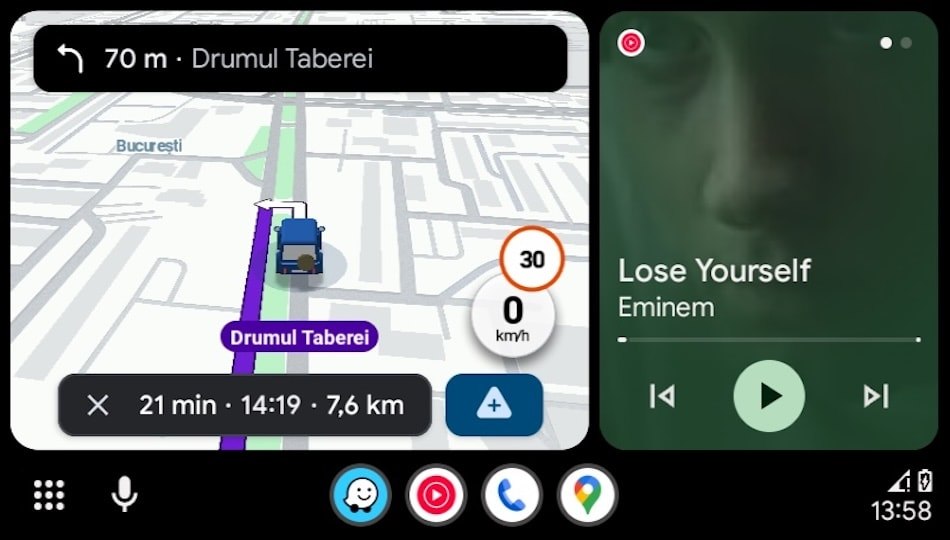
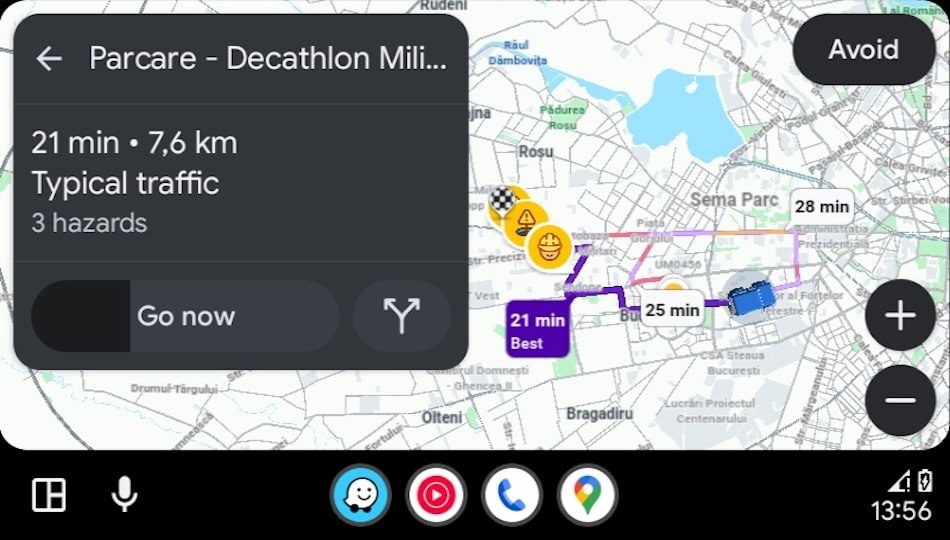
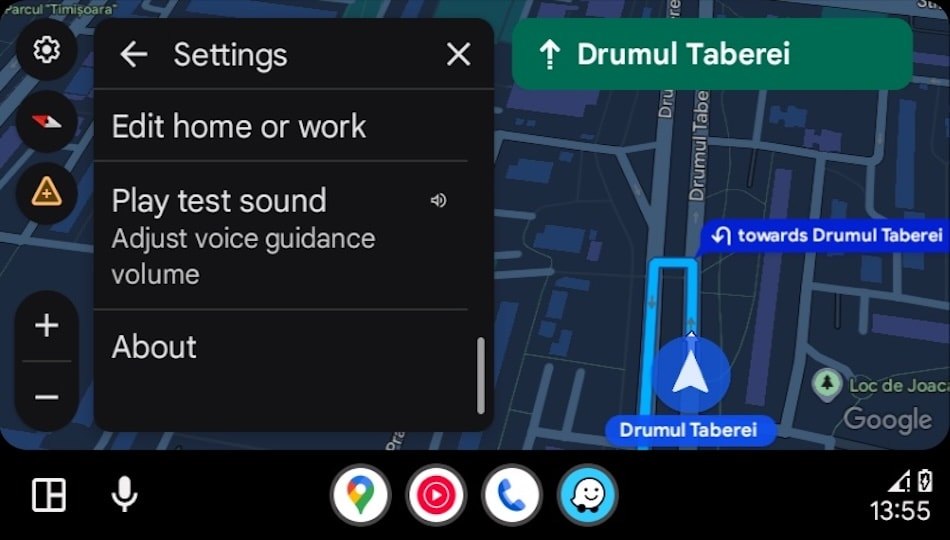
What’s New in Android Auto 17.7?
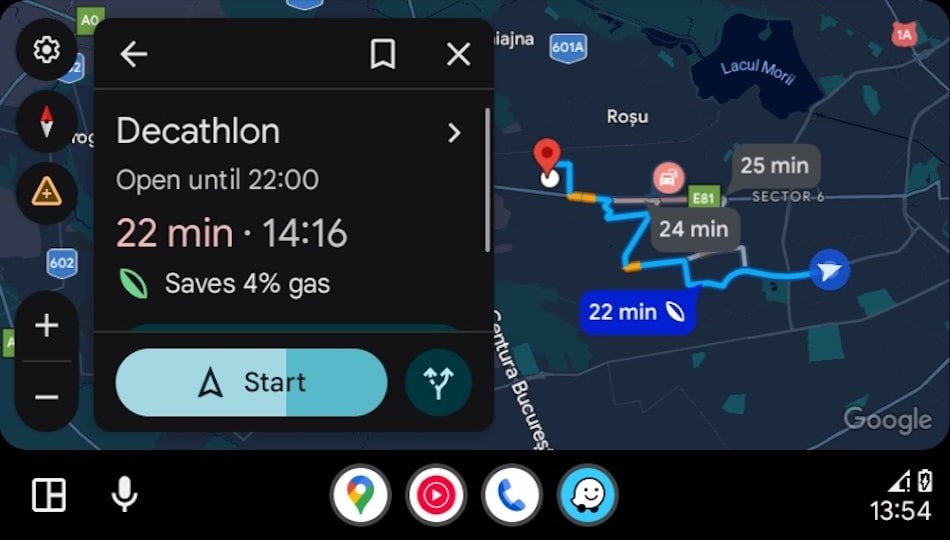
Google has stopped publishing detailed changelogs for Android Auto updates, making the exact improvements in version 17.7 unclear. However, the update likely focuses on fixing bugs and improving performance, especially since recent versions had issues with features like Google Maps, including problems with the speedometer display.
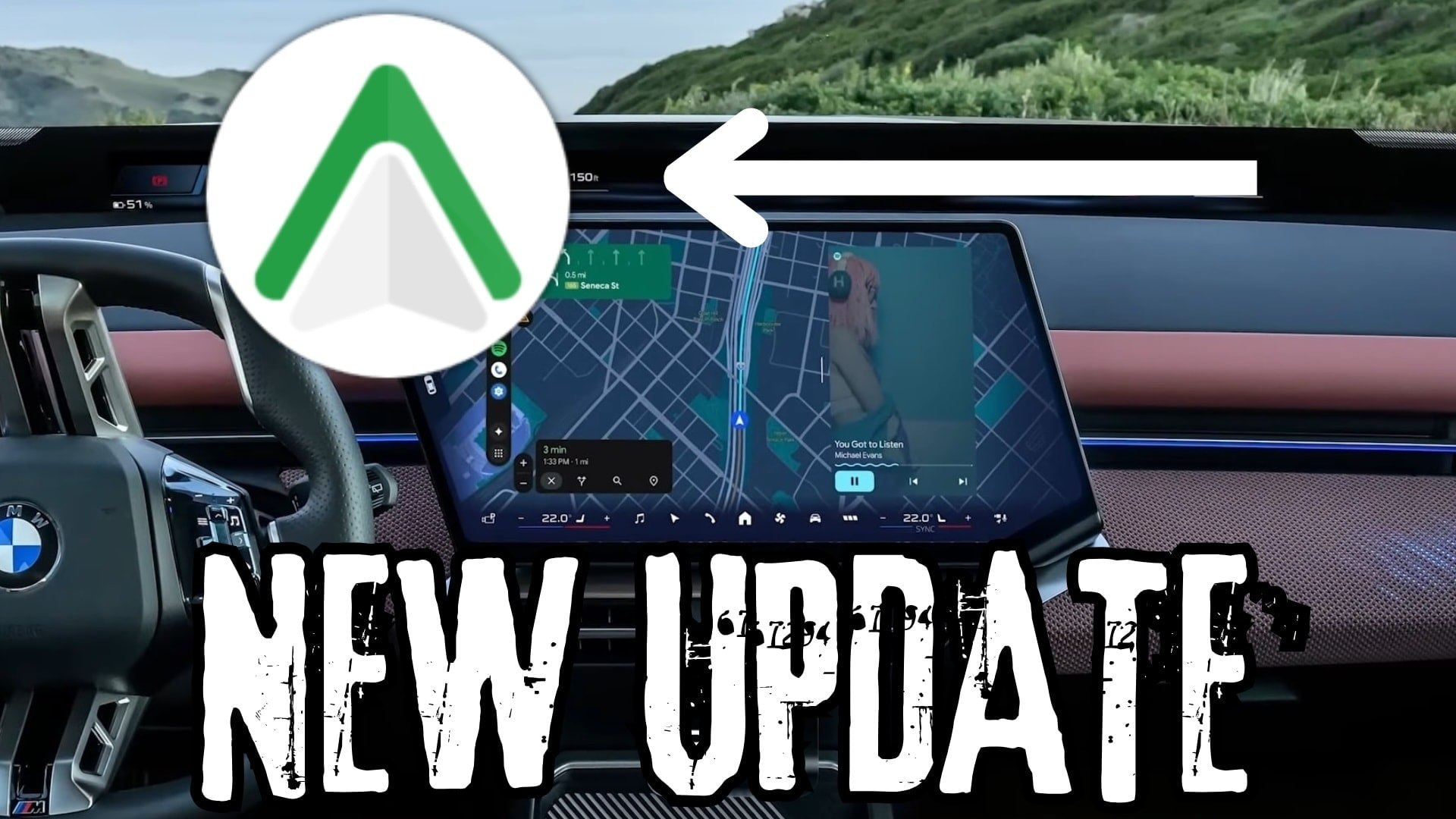
The most noticeable change for users is the rollout of Android Auto’s new green app icon. Some users had already received this icon in the previous update, but it now appears for everyone with 17.7 installed.
Other planned features, such as a new weather feature with animated characters and an enhanced interface with widgets and video app support, have not been included in this update. These are expected in bigger updates later this year, potentially allowing users to watch YouTube videos while parked.
The full Android Auto version for this update is 17.7.6636.
Source: autoevolution.com